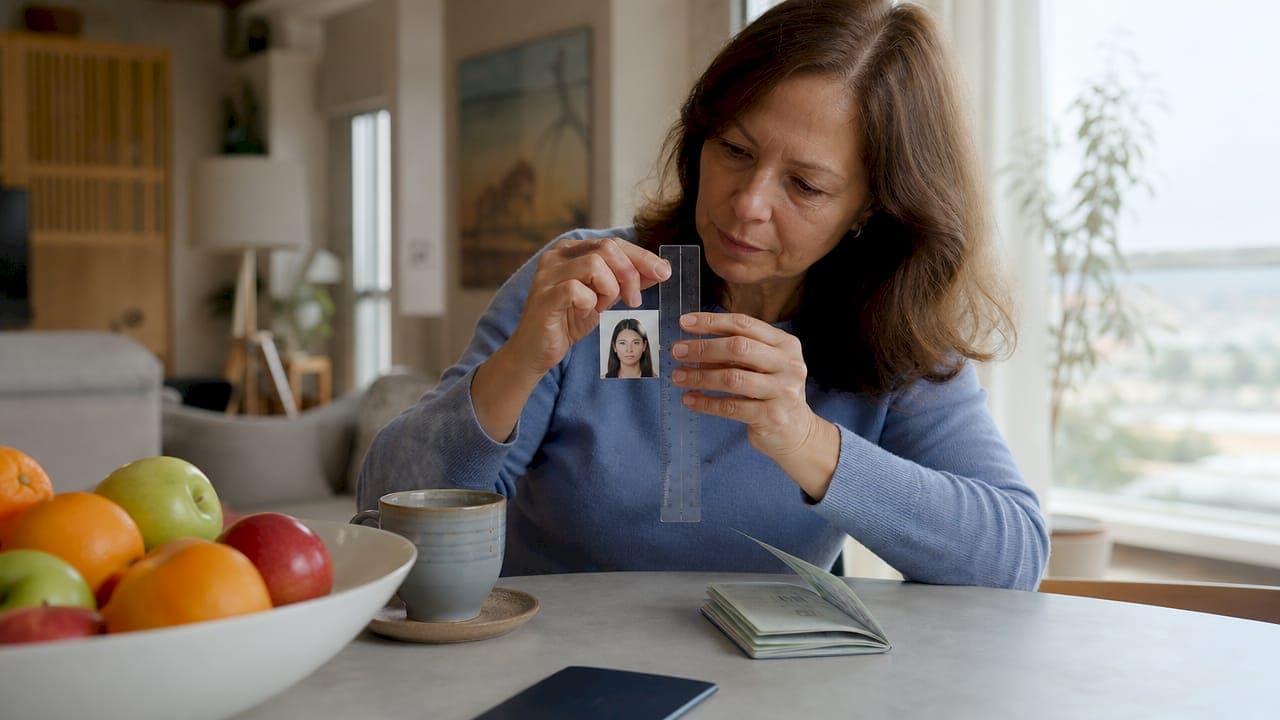
U.S. passport photo size requirements specify a 2 x 2 inch (51 x 51 mm) square photo with the head measuring between 1 and 1 3/8 inches (25–35 mm) from the bottom of the chin to the top of the skull. These measurements are set by the U.S. Department of State and are non-negotiable. A photo that falls even slightly outside these dimensions will be rejected, delaying your application. Getting the size right from the start is the fastest path to a smooth passport process.
What are the exact US passport photo size requirements?
The official passport photo dimensions are 2 x 2 inches (51 x 51 mm), and the photo must be perfectly square. That 1:1 aspect ratio is not optional. Any rectangular crop, even a slight one, will fail automated review.
The head size rule is where most applicants run into trouble. Head height must measure 1 to 1 3/8 inches (25–35 mm) from the bottom of the chin to the crown of the skull. The crown is the top of the skull, not the top of the hair. This distinction matters more than most people realize. A full head of hair can add a quarter inch or more to the apparent height, pushing the measurement out of range.
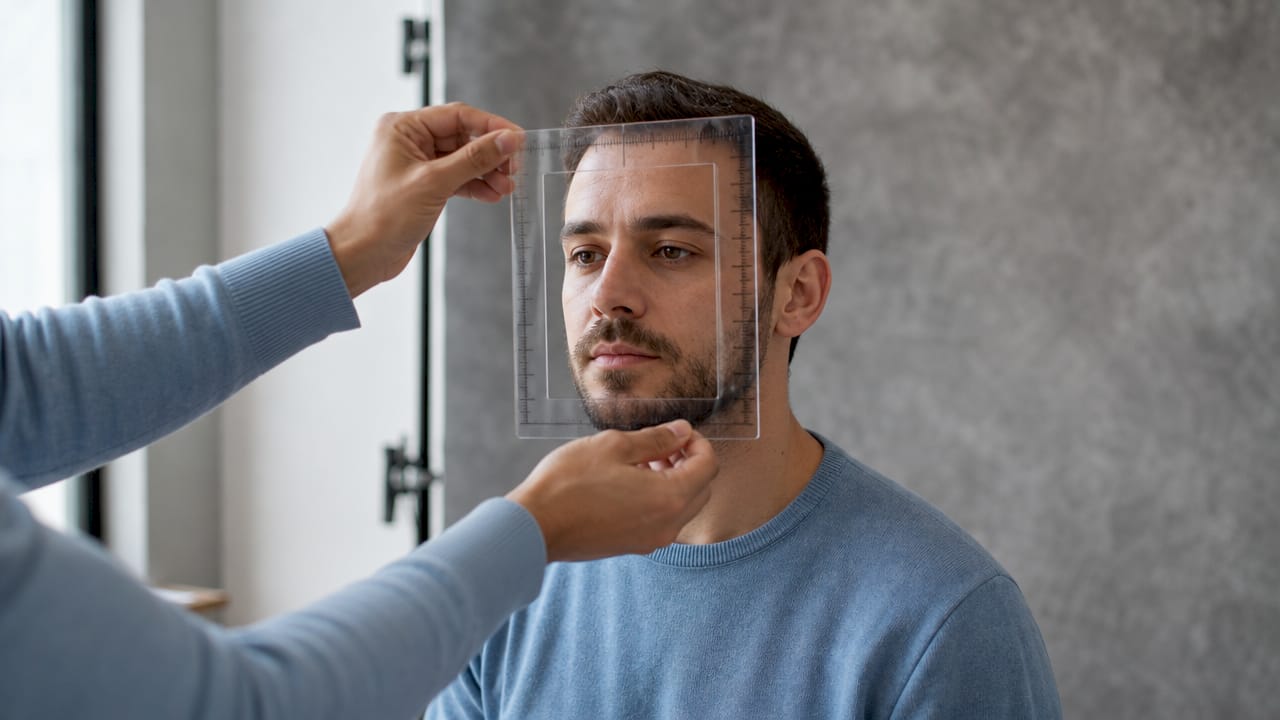
For digital submissions, the photo must be between 600 x 600 and 1,200 x 1,200 pixels. That pixel range corresponds directly to the physical 2 x 2 inch standard when printed at the correct resolution. The file must be a JPEG (.jpg) or HEIF (.heif) format, between 54 KB and 10 MB, and saved in a 24-bit sRGB color profile.
How to measure your photo correctly
Measuring a printed photo is straightforward with a ruler. Place the ruler along the vertical edge of the photo and confirm it reads exactly 2 inches. Then measure from the chin line to the top of the skull within the frame. That second measurement must fall between 1 inch and 1 3/8 inches.
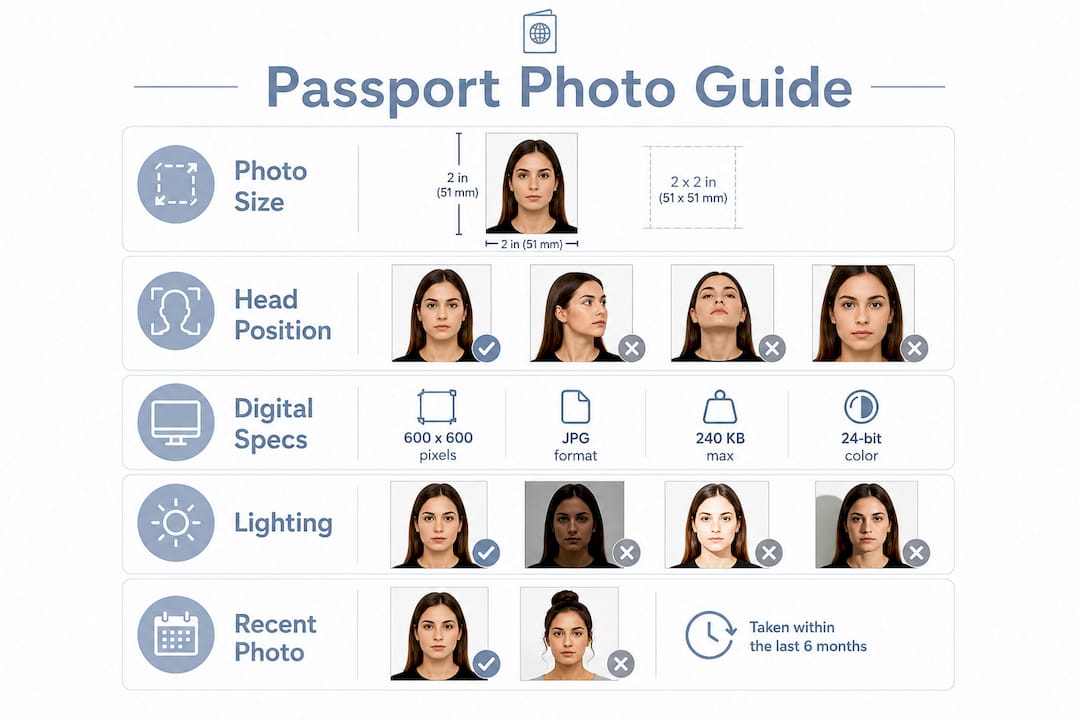
For digital photos, use image editing software to check pixel dimensions before printing. Set your print output to 100% scale. Never let your printer auto-scale or "fit to page," because that single setting is responsible for a large share of home-printing rejections.
Pro Tip: When measuring head height in a digital photo, draw a horizontal guide line at the chin and another at the crown of the skull. The space between those two lines is your head measurement. Ignore the hair entirely.
- The photo must be exactly 2 x 2 inches (51 x 51 mm)
- Head height: 1 to 1 3/8 inches (25–35 mm) from chin to crown of skull
- Digital pixel range: 600 x 600 to 1,200 x 1,200 pixels
- File formats: JPEG (.jpg) or HEIF (.heif)
- File size: 54 KB to 10 MB
- Color profile: 24-bit sRGB
Single millimeter errors in printed photos can trigger automated rejection even when the overall photo quality looks perfect. That level of precision is why professional photo services exist.
What other requirements must your passport photo meet?
Size is the foundation, but the Department of State evaluates several other factors before accepting a photo. All of them must be correct at the same time. Failing one is enough to reject the entire application.
- Background: The background must be plain white or off-white with no patterns, textures, or shadows. A plain white wall works, but only if the lighting is set up correctly to prevent shadows from falling behind you.
- Lighting: Light must be even across your face and the background. Uneven lighting and shadows disrupt biometric processing and are a major hidden cause of rejection, even when the background itself is white.
- Expression: Your expression must be neutral with your mouth closed and eyes fully open. You must look directly into the camera lens, not at a screen or slightly to the side.
- Eyeglasses: Eyeglasses are banned in all U.S. passport photos since November 1, 2016. The only exception is a documented medical condition, which requires a signed statement from a licensed physician.
- Head coverings: Head coverings are not permitted unless worn daily for religious or medical reasons. If you wear one, you must submit a signed statement confirming the religious or medical basis.
- Filters and retouching: Any digital alteration, retouching, or AI filter disqualifies the photo. The Department of State requires a raw, unaltered image. Natural appearance is the foundational rule.
Pro Tip: Take your photo near a large window on an overcast day. Diffused natural light produces even, shadow-free illumination that meets the official background and exposure requirements without any special equipment.
The photo must also be recent. The Department of State requires photos taken within the last six months. If your appearance has changed significantly since your last passport, a new photo is required regardless of when the old one was taken.
How do digital passport photo submissions work?
Online passport renewal through the Department of State accepts digital photo uploads directly. The digital photo specifications mirror the physical standards but add file-level requirements that printed photos do not have.
Your digital photo must be a JPEG or HEIF file. The pixel dimensions must fall between 600 x 600 and 1,200 x 1,200 pixels, and the image must be square. File size must be between 54 KB and 10 MB. Heavy compression artifacts, blurriness, or pixelation will cause rejection even if the dimensions are technically correct.
The color profile matters more for digital submissions than most applicants expect. A 24-bit sRGB color profile preserves accurate skin tones and background color. Photos saved in CMYK or other color spaces can appear discolored after upload, which flags them for review.
Digital background removal is a specific risk with digital submissions. Automated editing tools that replace backgrounds with white often leave visible halos around the hair or unnatural shadows at the shoulders. These artifacts are flagged by the State Department's automated review system. The safest approach is to photograph against a real white background rather than editing one in afterward.
What causes passport photo rejections and how do you avoid them?
Improper head size measurement is the most frequent reason passport photos get rejected. Most applicants measure to the top of their hair instead of the crown of the skull, which throws the head height outside the 1 to 1 3/8 inch range. This single error accounts for a disproportionate share of rejections.
The following mistakes show up repeatedly across rejected applications:
- Measuring to the top of hair: Always measure to the crown of the skull. Hair does not count toward the biometric head measurement.
- Home printer scaling: Printing at anything other than 100% scale distorts the 2 x 2 inch dimension. Always disable auto-scaling and use high-quality photo paper.
- Shadows on the background: Even a plain white wall produces shadows if you stand too close to it. Stand at least 3 feet from the background.
- Off-center camera angle: The camera must be at eye level and aimed directly at your face. Any tilt or upward/downward angle distorts the head measurements.
- Digital background edits: Pasted white backgrounds with visible halos or edge artifacts will be flagged and rejected.
- AI beauty filters: Even subtle skin-smoothing or brightness adjustments applied by a smartphone camera app can disqualify the photo.
- Wearing glasses: Remove all eyeglasses before the photo is taken, regardless of prescription strength.
Perfectly maintaining a square 2 x 2 inch crop with correct head proportions requires careful photo composition from the start. Trying to fix a poorly composed photo through digital cropping almost always introduces new errors. Get the framing right before you take the shot.
If you have any doubt about your photo's compliance, a professional passport photo service eliminates the guesswork. Many pharmacies, shipping stores, and dedicated photo services offer guaranteed-compliant prints. For parents preparing photos for young children, the rules apply equally. Passportcenter covers infant passport photo requirements in a dedicated guide if you need that specific guidance.
Key Takeaways
Getting your U.S. passport photo right requires exact measurements, correct head positioning, and zero digital alterations — all three must be correct simultaneously for the photo to be accepted.
| Point | Details |
|---|---|
| Exact photo size | The photo must be exactly 2 x 2 inches (51 x 51 mm) with a 1:1 square aspect ratio. |
| Head height measurement | Measure from chin to crown of skull only; 1 to 1 3/8 inches (25–35 mm) is the accepted range. |
| Digital file specs | JPEG or HEIF format, 600–1,200 pixels square, 54 KB to 10 MB, 24-bit sRGB color profile. |
| No alterations allowed | Any AI filter, retouching, or background editing disqualifies the photo from acceptance. |
| Lighting and background | Use even, shadow-free lighting against a plain white or off-white background with no patterns. |
Why I think most passport photo problems are entirely avoidable
The honest truth is that passport photo rejections are almost never caused by bad luck. They are caused by skipping one specific step: reading the head measurement rule carefully before taking the photo.
I have seen applicants spend money on professional photo services and still get rejected because the photographer measured to the top of the hair. That is not a professional error. It is a measurement error that anyone can make without knowing the crown-of-skull rule. Once you know it, you cannot unknow it, and your rejection risk drops dramatically.
The glasses ban surprises people every year, even though it has been in place since november 2016. The AI filter ban is newer and catches people who use their phone's default camera app without realizing it applies automatic skin smoothing. Check your camera settings before you shoot.
My practical advice: take the photo yourself against a white wall with good natural light, measure the head height in the image before printing, and print at exactly 100% scale on photo paper. That process costs almost nothing and produces a compliant photo the majority of the time. If you are applying for an infant or have a medical condition that affects your photo, get professional help. For everything else, the rules are clear enough to follow on your own if you read them carefully.
— David
Passportcenter has the passport guidance you need
Preparing a compliant passport photo is one step in a larger process that includes application forms, processing timelines, and renewal rules. Getting any one of those steps wrong can delay your travel plans.

Passportcenter is a free resource built specifically for U.S. travelers who need clear, reliable answers on passport applications and requirements. The site covers photo standards, renewal timelines, name changes, and country-specific entry rules in plain language. If you need expedited help or a trusted courier service, Passportcenter connects you to vetted options. Visit Passportcenter before you submit your application to confirm every detail is correct.
FAQ
What size does a U.S. passport photo need to be?
A U.S. passport photo must be exactly 2 x 2 inches (51 x 51 mm) and perfectly square. The head must measure between 1 and 1 3/8 inches (25–35 mm) from chin to crown of skull.
Can I take my own passport photo at home?
Yes, you can take your own passport photo at home as long as it meets all Department of State specifications, including size, background, lighting, and no digital alterations. Print at 100% scale on photo-quality paper to maintain the exact 2 x 2 inch dimension.
What pixel dimensions are required for a digital passport photo?
Digital passport photos must be between 600 x 600 and 1,200 x 1,200 pixels, saved as a JPEG or HEIF file between 54 KB and 10 MB. The image must be square and saved in a 24-bit sRGB color profile.
Why do passport photos get rejected for head size?
The most common head size error is measuring to the top of the hair instead of the crown of the skull. The accepted head height is 1 to 1 3/8 inches (25–35 mm) measured from the chin to the top of the skull only, with hair excluded from the measurement.
Are glasses allowed in U.S. passport photos?
Eyeglasses are prohibited in all U.S. passport photos since november 1, 2016. The only exception is a documented medical condition supported by a signed statement from a licensed physician.